Product tour
Every screen below is a real capture.
Nine screens, captured from the current build on a 60-person demo org — not mockups, not composites. Every number you can read in them was computed by the app. See site/README.md for the capture plan.
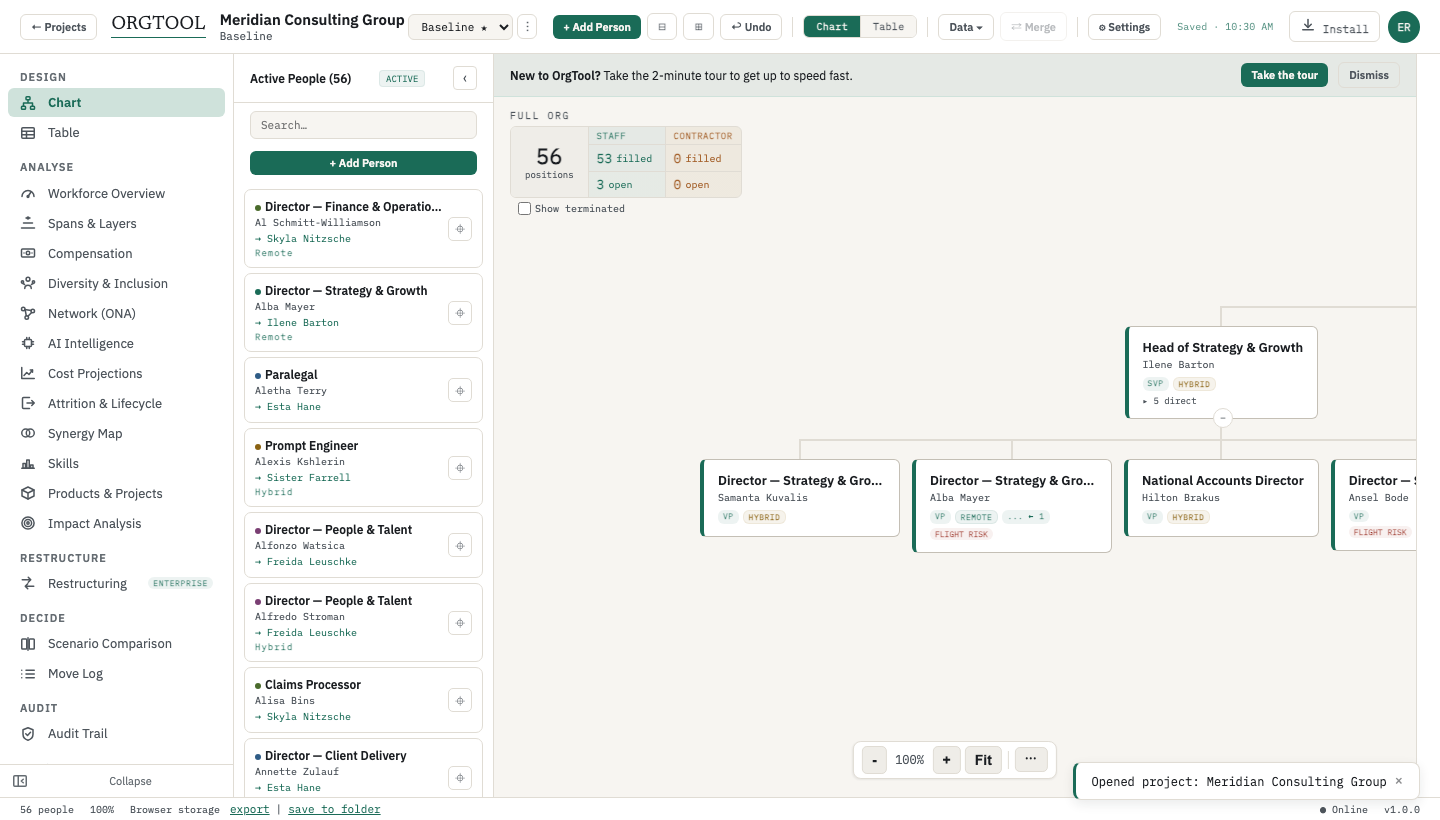
Org chart
Drag-to-reassign, focus mode, vacancy and contractor node states, dotted-line relationships.
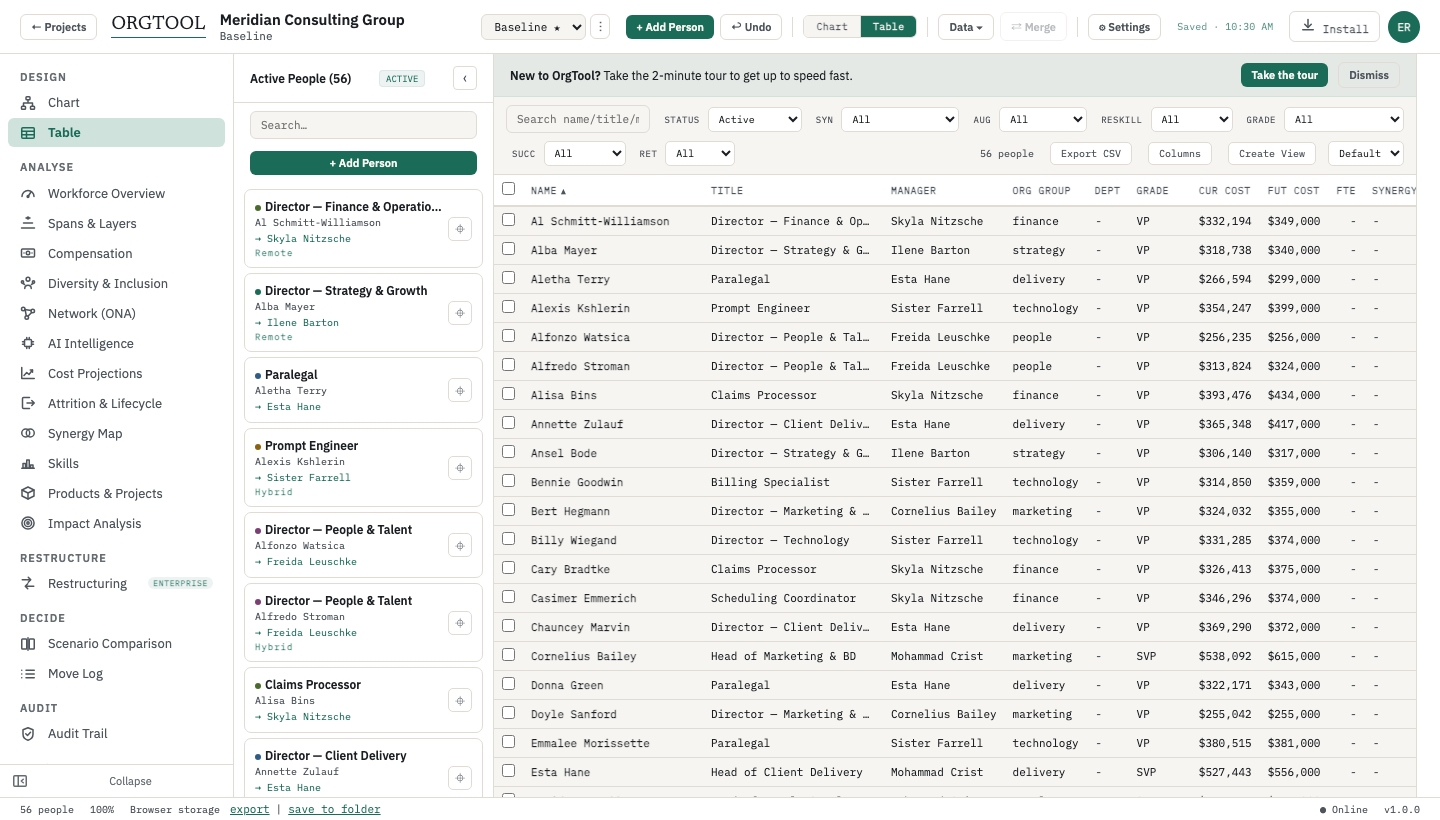
Table view
9 column groups (Core, Cost, AI, Succession, Retention, Growth, Position, Network, Other), inline edit, saved views.
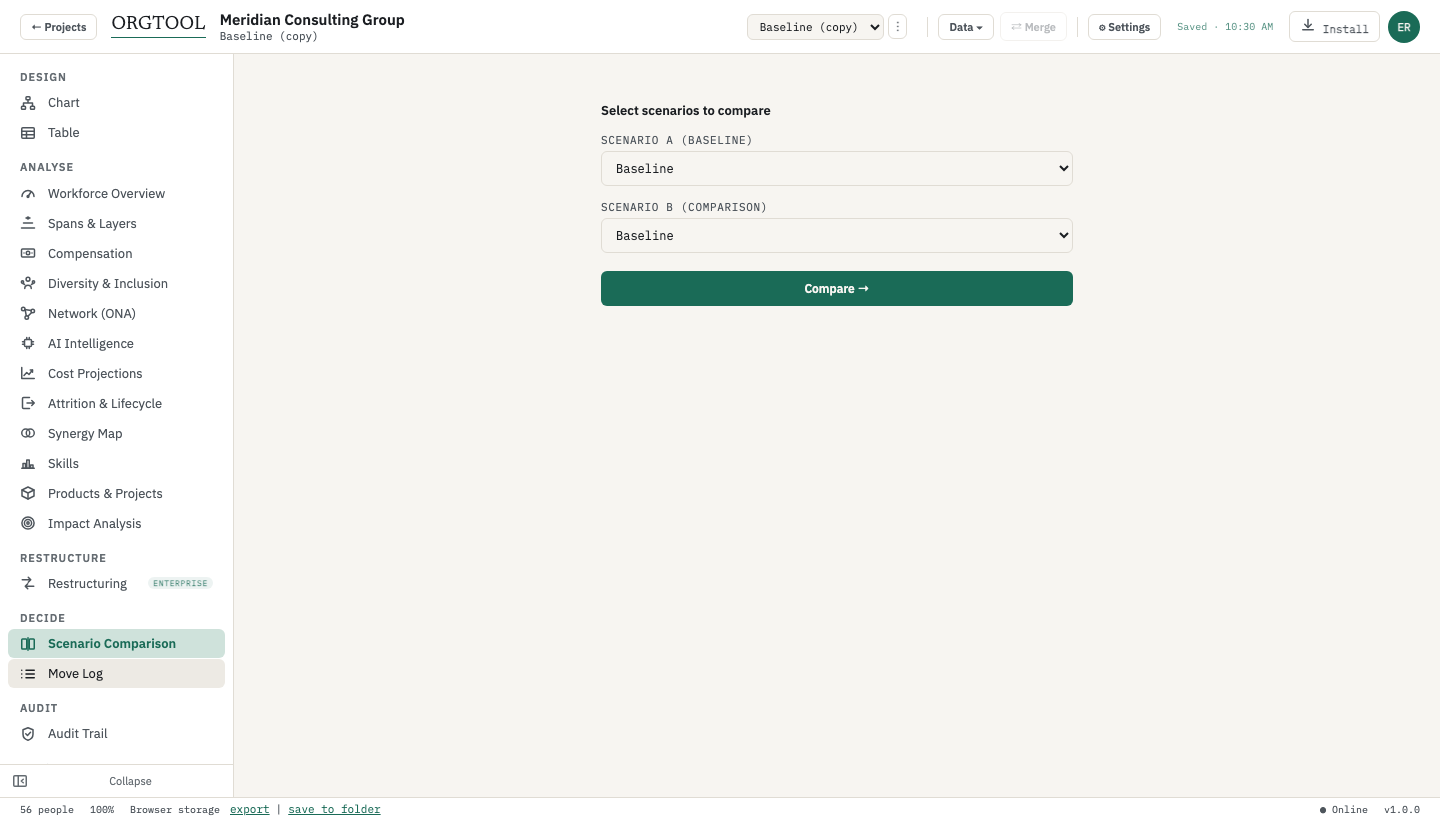
Scenario comparison
Side-by-side diff of two scenarios — added, removed, and moved people, headcount and cost deltas.
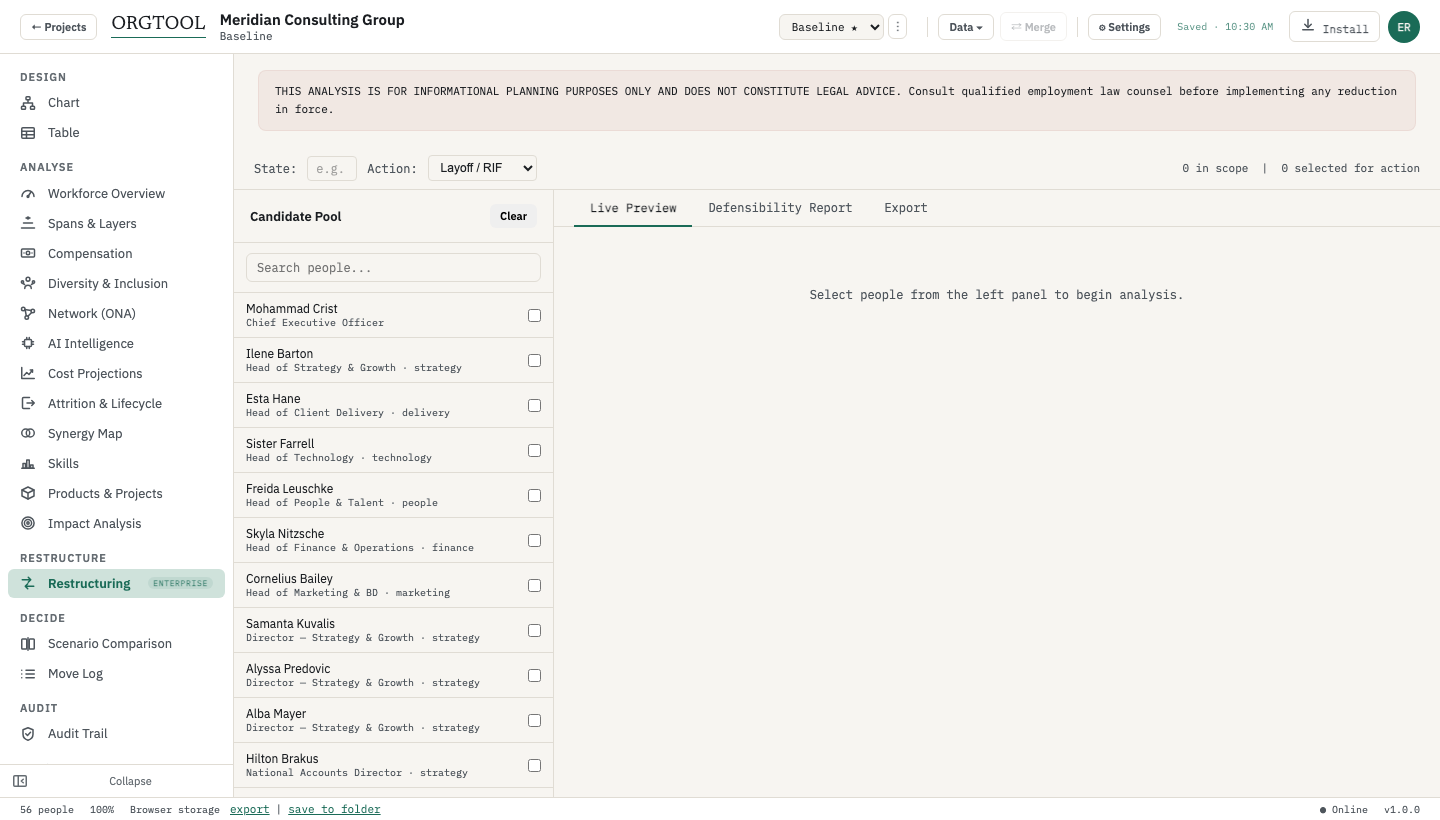
Restructuring workspace
Draw a RIF selection; EEOC 80% rule, Fisher exact test, and WARN thresholds evaluate live.
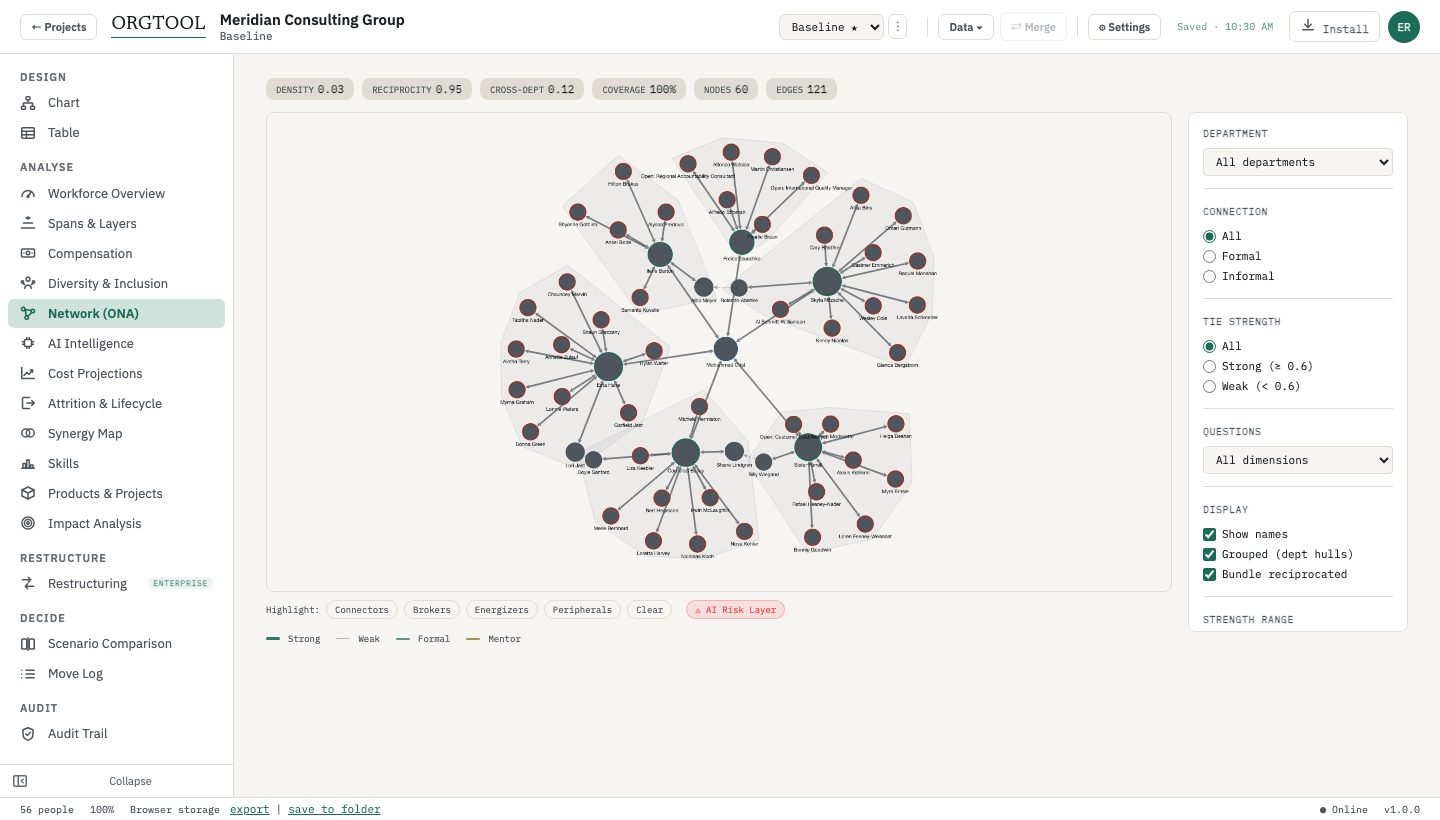
Network view (ONA)
Advice, trust, energy, information, and influence networks with deterministic broker/connector metrics.
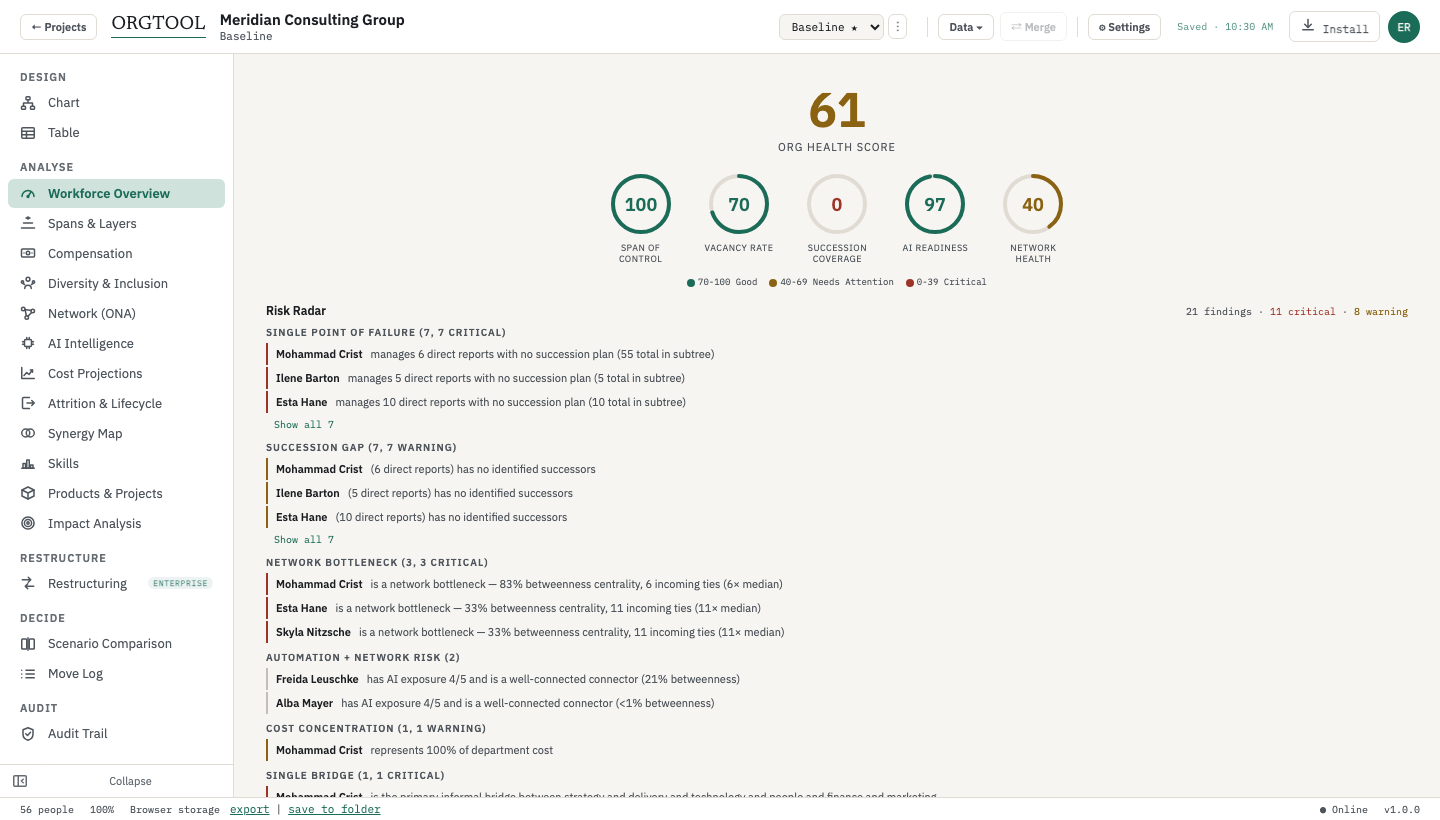
Workforce dashboard
Composite health score and risk radar — single points of failure, overloaded managers, AI displacement, cost concentration.
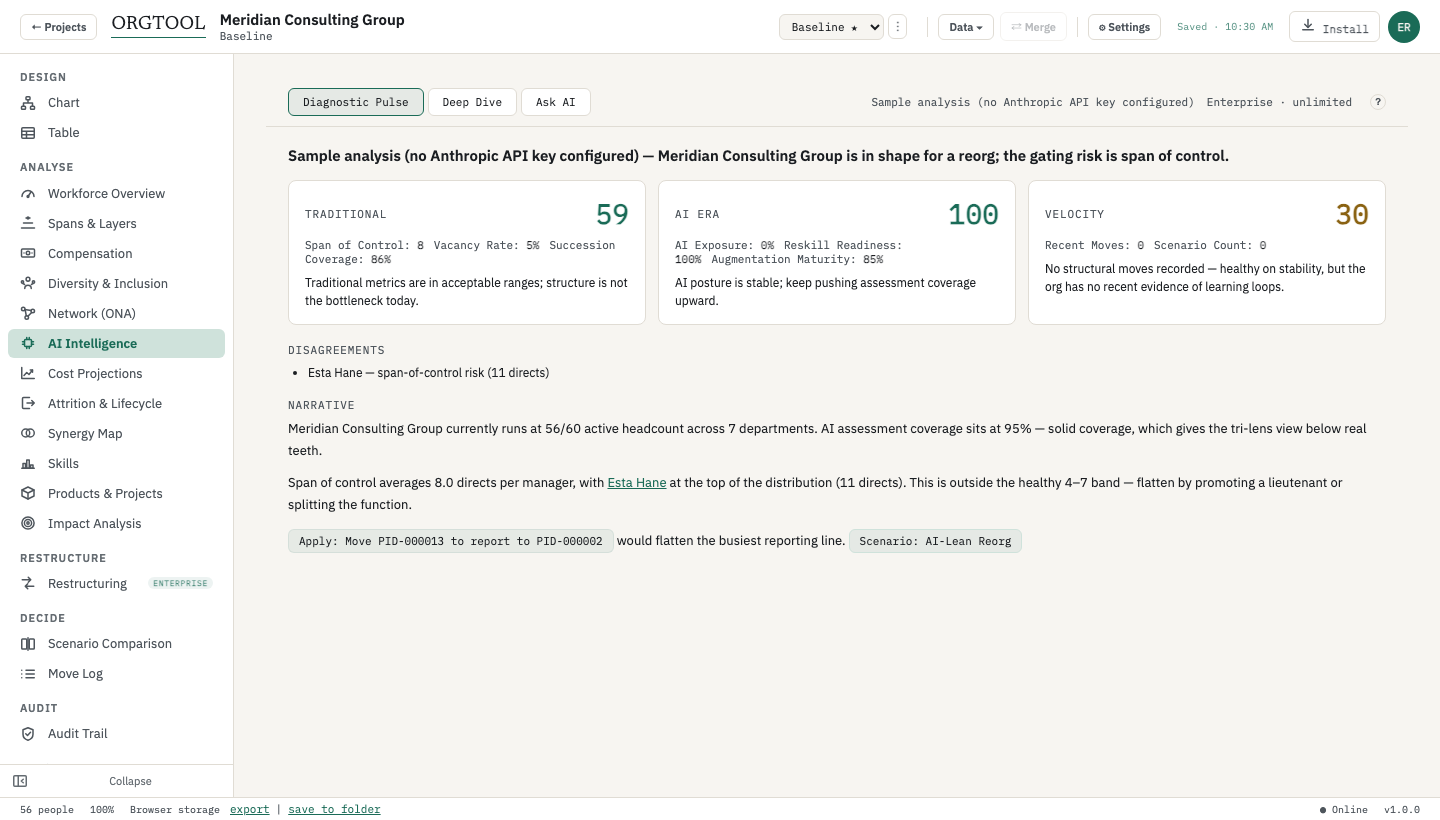
AI role analyzer
Opt-in, consent-gated exposure scoring — runs only with your own Anthropic API key.
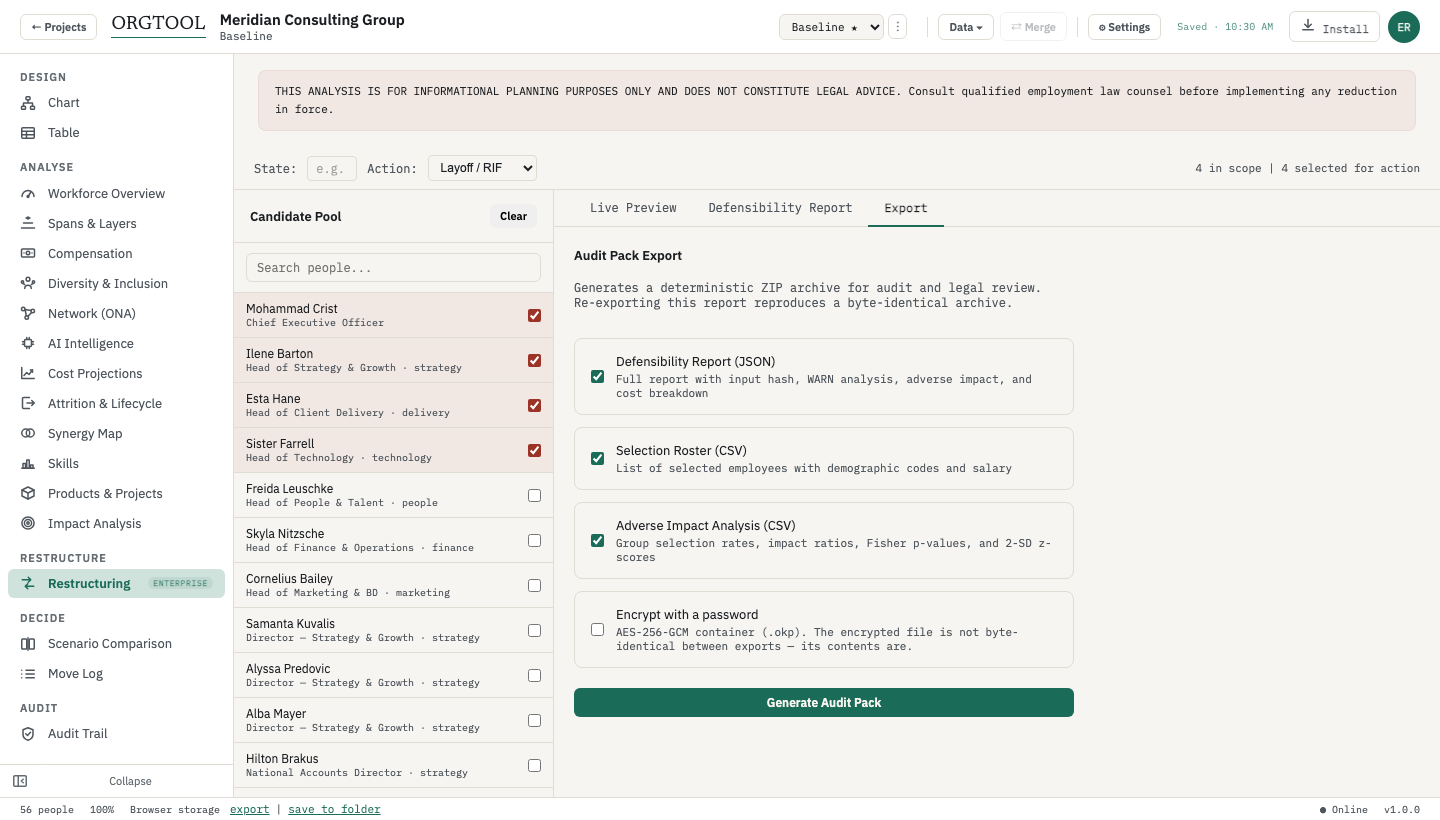
Audit pack export
The hash-stamped ZIP: report.json, selection.csv, adverse-impact.csv, cover.pdf, README.txt.
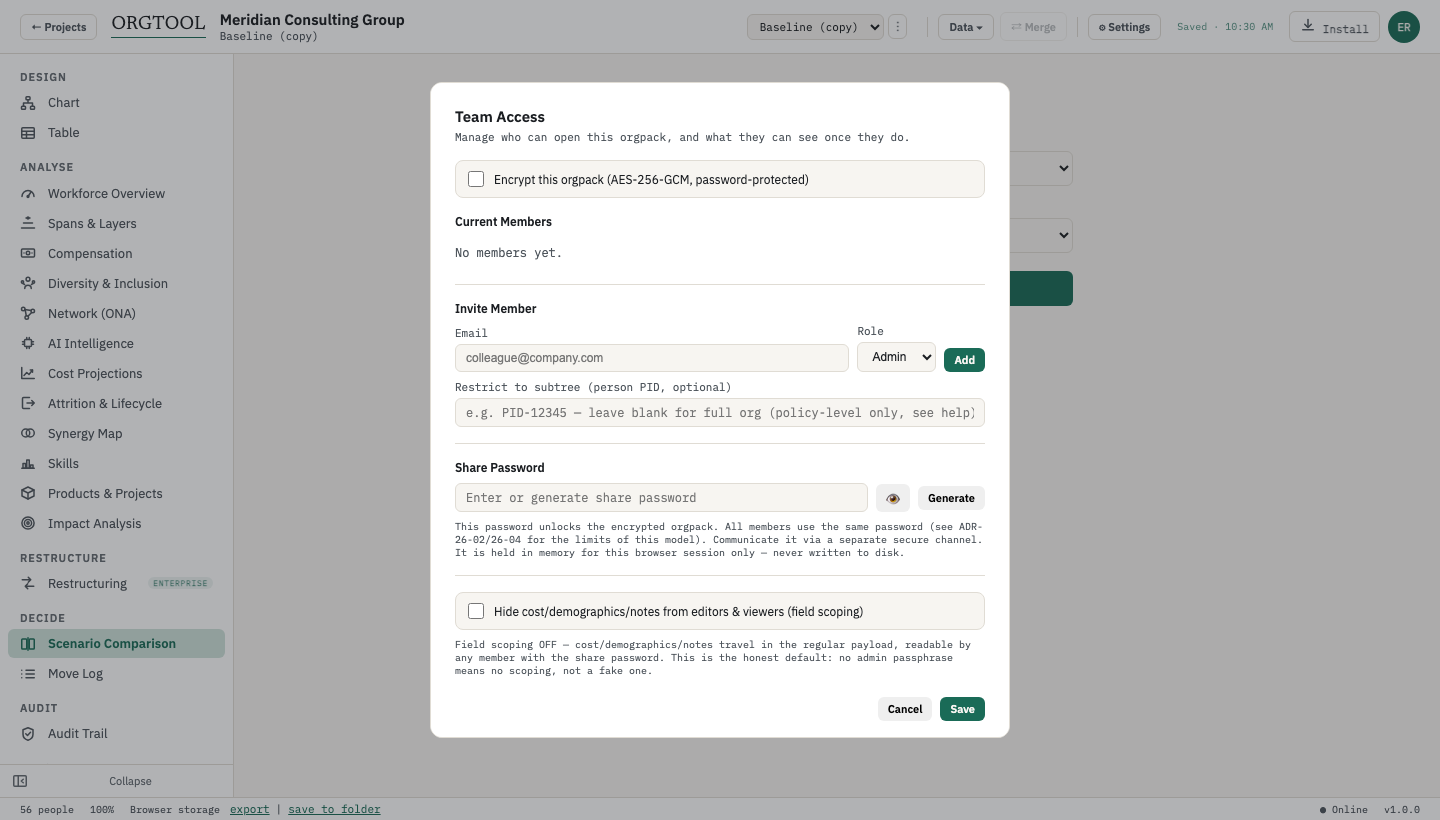
Team access
Admin, editor, and viewer roles inside an encrypted .orgpack — no server required.
The fastest tour is your own org.
Create an account, drop a CSV, and every screen above is live in under a minute.
Open OrgToolFAQ
Frequently asked questions
Answers restate claims verified file-by-file against the current build — see claims/ in the site repo. Last verified July 2026.
Are these real screenshots?
Yes — captured from the current build on a 60-person demo org. Every number you can read in them was computed by the app. Nothing is a mockup or a composite.
Can I see these screens on my own org?
Create an account, drop a CSV on the app, and every screen above is live on your data in under a minute — locally, with nothing uploaded. The free plan needs no card.
What do I need to run OrgTool?
A modern browser on macOS, Windows, or Linux. The whole app is a single file of about 3.5 MB and works offline after sign-in.
Which screens need a paid plan?
The org chart, table view, and scenarios are free (one org, up to 25 people). Spans & layers, ONA, compensation analytics, cost projections, and the AI dashboard start at Pro. The restructuring workspace and audit-pack export are Enterprise. The pricing page maps every feature to its tier.